
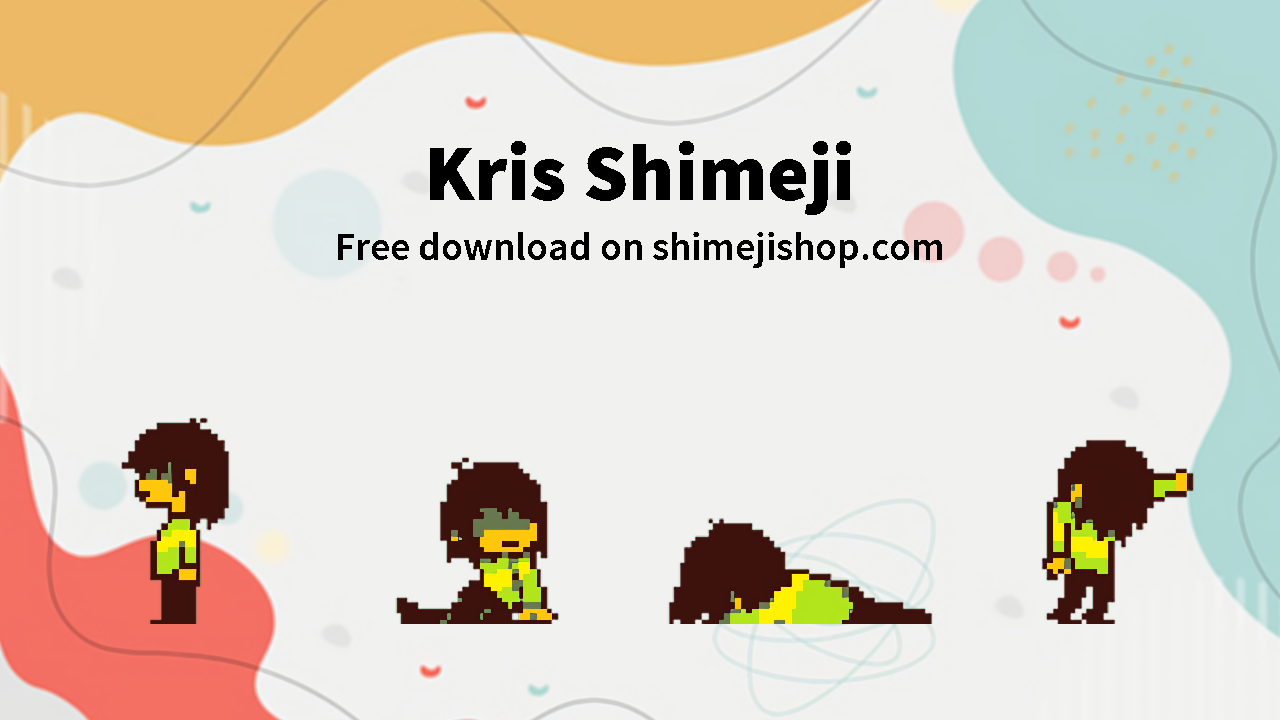
Ever wondered what mischief Kris from Deltarune could get up to on your desktop? Dive into the world of Kris shimeji with this free download by chubbidust! Transform your screen with adorable animations and let Kris bring a touch of whimsy to your daily computer routine. Discover the charm of this beloved character in a whole new way while adding a sprinkle of fun to your digital workspace. Get ready to interact with Kris like never before—just a click away from turning your screen into a delightful playground!
About Kris Shimeji
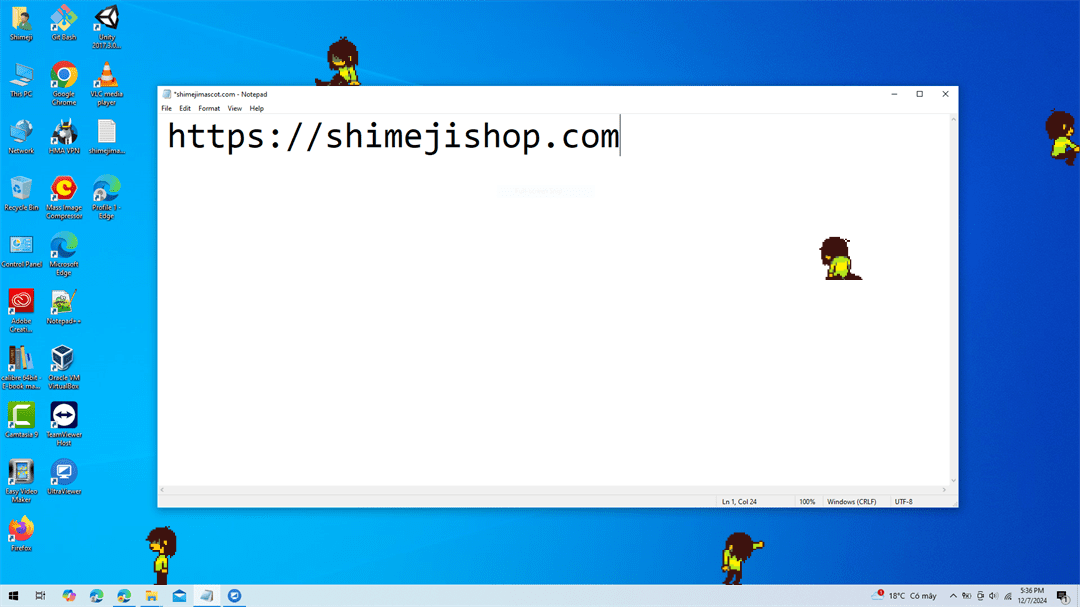
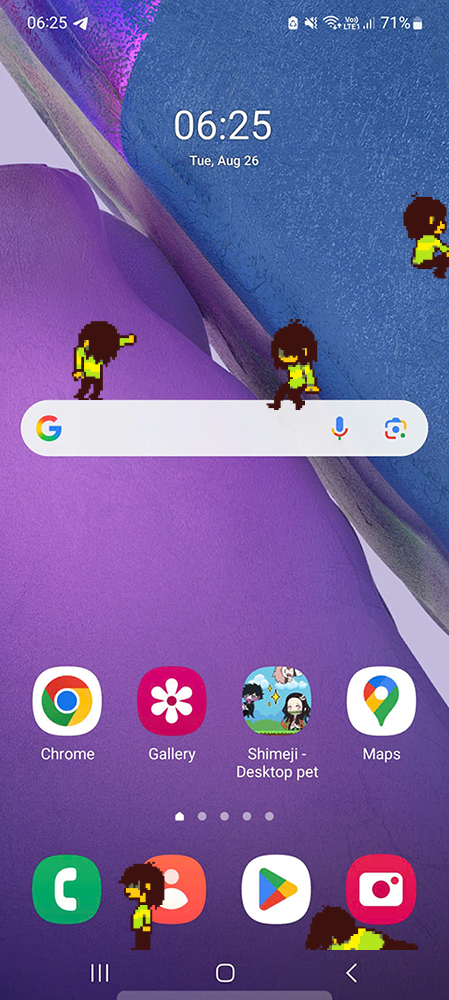
Welcome to the quirky world of Kris shimeji desktop pet by chubbidust! This mischievous little character from the Deltarune universe is here to bring endless fun to your screen. Watch as Kris scampers around your desktop, climbs windows, and interacts with your icons in the most adorable ways possible. Fans of Deltarune will instantly fall in love with the charm and playfulness that Kris brings to their digital space.
- Character: Kris
- Category: Deltarune
- Author: chubbidust
Features
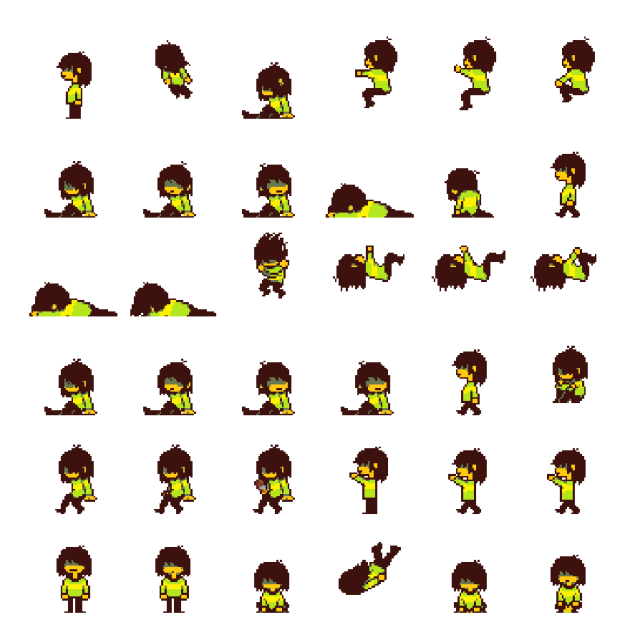
- Kris walks, jumps, and interacts with your desktop
- Fun themed animations
- Works on Windows, Mac, and Linux
- Lightweight and 100% safe
How to Download and Install Kris Shimeji
- Click the Download button below
- Unzip the downloaded file
- Run the shimeji.exe file (Windows) or Java version (Mac/Linux)
- Enjoy Kris running across your screen!
📖 Need help? See our guides: Install on Desktop | Install on Mobile
Download Kris Shimeji
Related Shimeji
The Kris Shimeji is a fun and interactive way to brighten up your desktop. Download it now and enjoy!
I found a bug, when i replace the original images by the kris ones and i launch the .jar kris sprites look black and white instead of normally.
Thanks for letting me know! That usually happens when the images weren’t replaced correctly or the transparency got messed up during editing. Could you try again following this guide?
https://shimejishop.com/free/how-to-install-shimeji-on-desktop/
im having the same problem, the guide says there should be a conf file when you extract the custom shimeji but for me its just the sprites, is that normal?
Hey! I’ve fixed the problem already. Just download the file again and it should include the config file now. Try it out and tell me if you still have any issues!
^-^
.