
Ever wondered what mischief Goob, the quirky shimeji character from Dandy’s World, is up to? Get ready to dive into the world of Goob with a free download! Created by the talented author fatratinatophat, this adorable little creature is sure to capture your heart. Join Goob on exciting adventures and add a touch of fun to your desktop – because who wouldn’t want a cute and playful companion bouncing around their screen? Discover the magic of Goob shimeji and bring a smile to your face every time you boot up your computer!
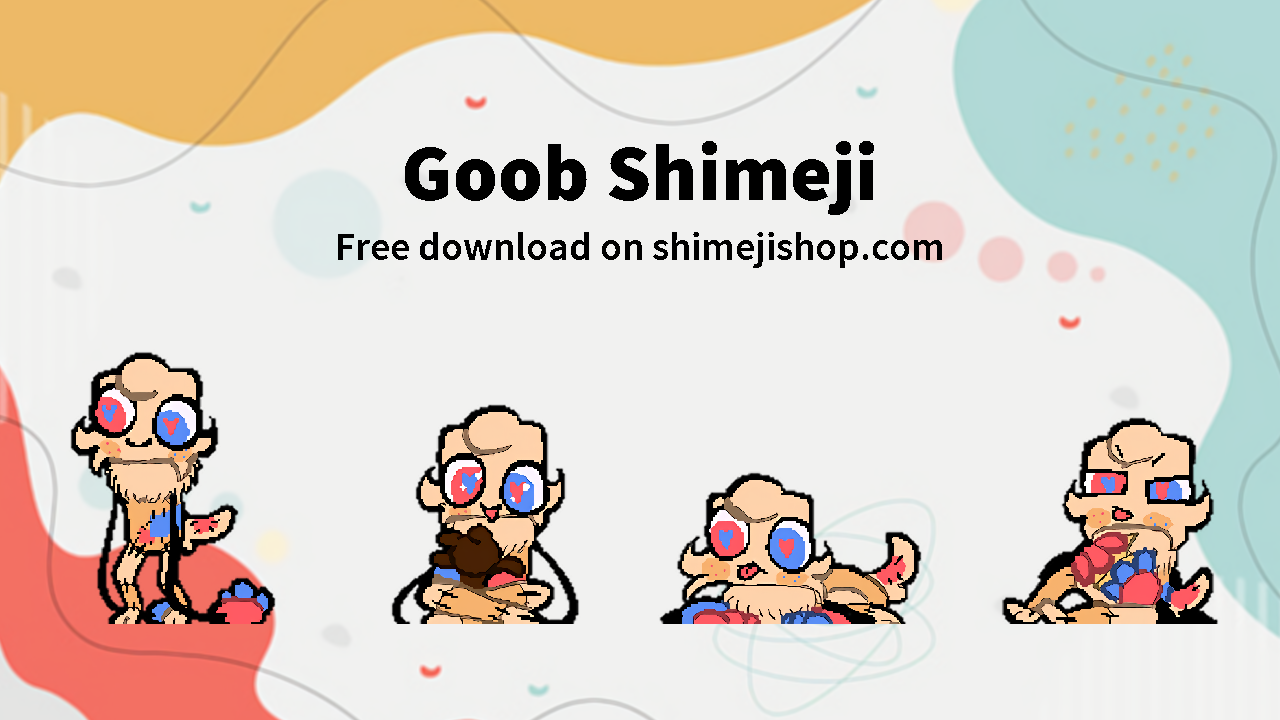
About Goob Shimeji
Welcome to the world of Goob, the charming and mischievous shimeji desktop pet from the Dandy’s World series by the talented author fatratinatophat! Goob is not your ordinary virtual companion – this little guy is full of surprises! Whether he’s casually strolling across your screen, bounding around energetically, or playfully climbing windows with his tiny hands and feet, Goob is sure to bring a smile to your face every time you see him in action.
- Character: Goob
- Category: Dandy’s World
- Author: fatratinatophat

Features
- Goob walks, jumps, and interacts with your desktop
- Fun themed animations
- Works on Windows, Mac, and Linux
- Lightweight and 100% safe
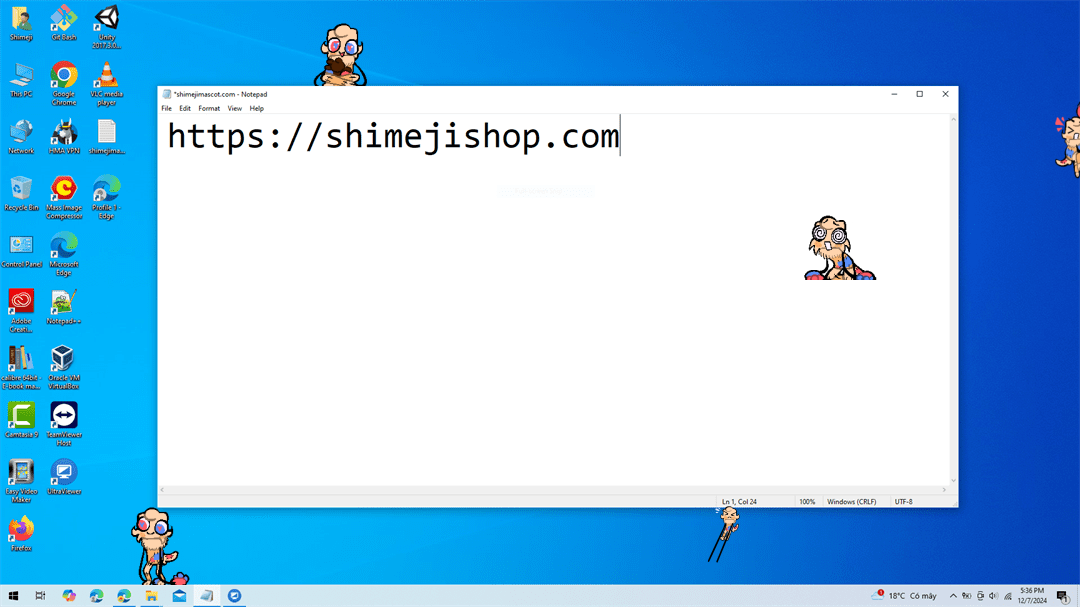
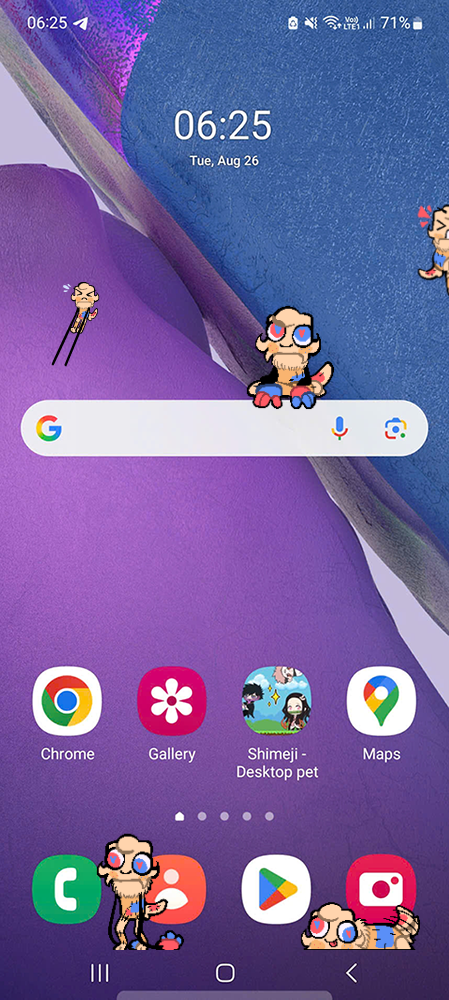
How to Download and Install Goob Shimeji
- Click the Download button below
- Unzip the downloaded file
- Run the shimeji.exe file (Windows) or Java version (Mac/Linux)
- Enjoy Goob running across your screen!
📖 Need help? See our guides: Install on Desktop | Install on Mobile
Download Goob Shimeji
Related Shimeji
The Goob Shimeji is a fun and interactive way to brighten up your desktop. Download it now and enjoy!



the folder only has images no shimeji or configuration just images
You can check the tutorial here Install on Desktop
DUDE THIS IS MY SHIMEJI WHAT I WAS NOT INFORMED OF THIS
Oh! I’m so sorry if it seemed that way 😅 I actually included the author credit and link in the post — but if there’s anything I should add or change, just let me know! 💕
It’s be better if you added a link to the original post/my Tumblr account
Thank you for letting me use your shimeji! I’ve already added the link to your Tumblr account in the author section
It’s only images, And It isn’t a Shimeji… Can someone help me on how to make it Shimeji instead of images only? It’s taking up a chunk of my storage because It’s only images
Hi! Thank you for your comment. Yes, the files are only images — they’re not a full shimeji yet.
If you want to turn them into a working shimeji, you can follow this guide here: https://shimejishop.com/free/how-to-install-shimeji-on-desktop/
Hope this helps, and thank you for reaching out!